+27 82 391 4765 [email protected] Mon-Fri 8:00-17:30 (SAST)
EN FR PT
Broadband connection to network cabinet

Broadband connection to network cabinet

Page Content

Connecting broadband to a network cabinet involves running the provider's fiber or Ethernet line to the cabinet, terminating it properly, and linking it to your network devices using structured cabling.

Step 1: Plan the Installation

Identify the location of your network cabinet and ensure it is secure, ventilated, and accessible for maintenance. Measure distances from the broadband entry point to the cabinet to determine cable lengths and routing paths. Decide whether the broadband connection will be fiber optic or copper Ethernet, as this affects the type of termination hardware required .

Step 2: Bring the Broadband Line to the Cabinet

For fiber broadband, the provider typically runs a fiber optic cable from the local distribution point to your property. The cable may be overhead, underground, or a combination of both. The fiber terminates at an Optical Network Terminal (ONT), which converts the optical signal into an Ethernet signal for your network . Ensure the ONT is installed near the network cabinet for easy connection.

Step 3: Terminate the Cable

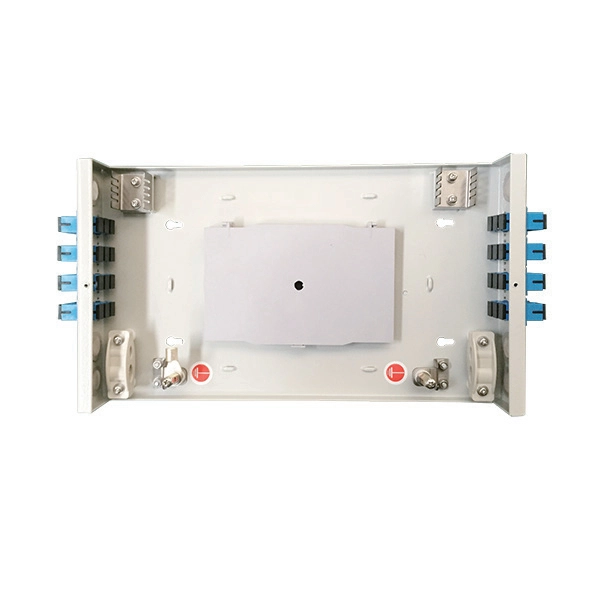
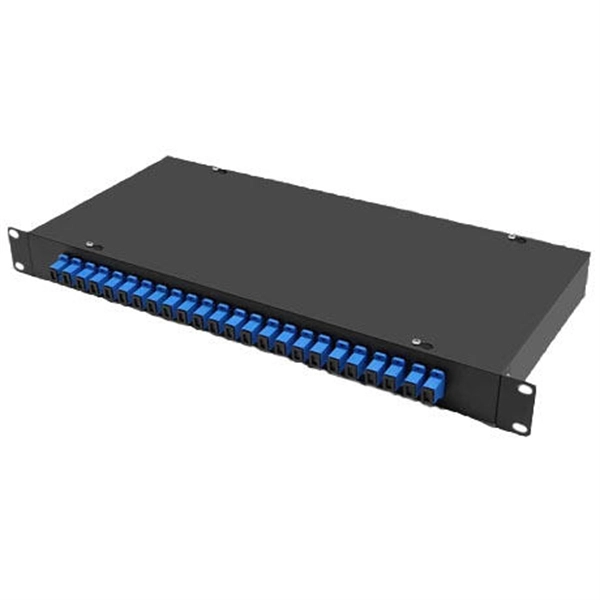
  • Fiber optic: Use a patch panel or fiber termination box inside the cabinet. Connect the incoming fiber to the panel using proper connectors (e.g., SC, LC) and ensure the fiber is not bent sharply to avoid signal loss .
  • Ethernet (copper): Run Cat5e, Cat6, or higher-rated cables from the broadband entry point to the cabinet. Terminate the cables on a patch panel or keystone jacks using a punch-down tool .

Step 4: Connect to Network Devices

Once the broadband line is terminated in the cabinet:

  1. Connect the ONT or modem to a network switch using an Ethernet cable.
  2. From the switch, run structured cabling to wall ports or other network nodes within the building.
  3. Label all connections for easy identification and future troubleshooting .

Step 5: Test the Connection

After all connections are made:

  • Power on the ONT, modem, and switch.
  • Verify that the broadband signal is active and stable.
  • Test connectivity to devices connected through the cabinet to ensure proper data transmission and speed .

Step 6: Optimize and Secure

  • Use cable management solutions like trays or ties to keep cables organized.
  • Ensure the cabinet is locked or secured to prevent unauthorized access.
  • Consider surge protection and grounding for both fiber and copper lines to protect equipment . By following these steps, you can successfully connect broadband to a network cabinet, ensuring reliable and scalable network performance.
Hot
What is FTTC broadband and how does it work?

Fibre-to-the-cabinet (FTTC) broadband or VDSL is a type of internet connection that uses fibre-optic cables to carry

Get Price
Hot
Broadband Cabinets Explained | CompareFibre

Learn what broadband street cabinets are, how FTTC and FTTP differ, and why cabinet distance affects your speed. Compare fibre

Get Price
Hot
Broadband Cabinets Explained: Why They Affect Your Speed

A broadband cabinet connects homes to the wider network. Learn how cabinets work, why distance matters and how

Get Price
Hot
Fibre to the Cabinet (FTTC) Explained: How It Works

Discover how Fibre to the Cabinet (FTTC) works, its benefits for business connectivity, and how it

Get Price
Hot
Network Cabinet Essentials: Organizing Your Network Infrastructure

Proper installation and setup of a network cabinet are crucial for ensuring the longevity and efficiency of your network

Get Price
Hot
Fibre to the Cabinet (FTTC) Explained: How It Works & Benefits for

Discover how Fibre to the Cabinet (FTTC) works, its benefits for business connectivity, and how it compares to other broadband

Get Price
Hot
Network cabinet placement and wiring tips

In order to meet the normal operation of these devices in the cabinets, when the computer room cabinets are full of

Get Price
Hot
Fibre Broadband (FTTC / FTTH) Guide | thinkbroadband

There are generally two types of fibre broadband connections. Fibre-to-the-Cabinet (FTTC) involves running fibre optic cables from

Get Price
Hot
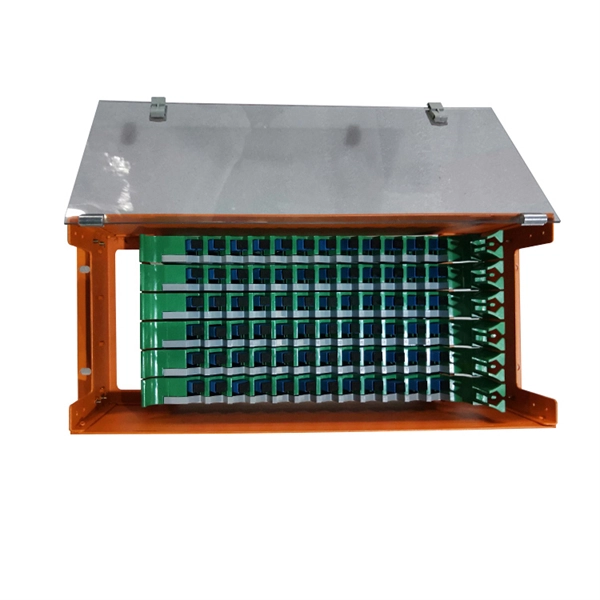
Wiring A Home Ethernet Network-(Practical Beginners Guide)

Although creating a wired Ethernet network isn''t expensive it is time consuming, involves basic DIY abilities, and

Get Price
Hot
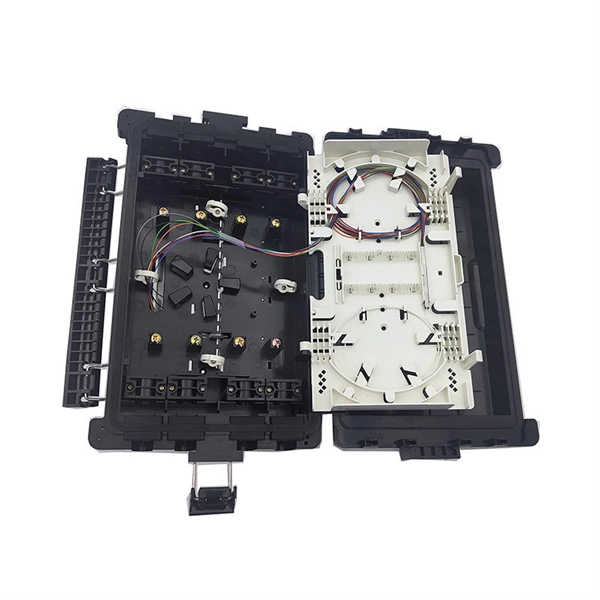
The Ultimate Guide to Setting Up a Home Network Wiring Cabinet

Following these step-by-step instructions will help you set up a well-organized and efficient home network wiring cabinet, ensuring a

Get Price
Hot
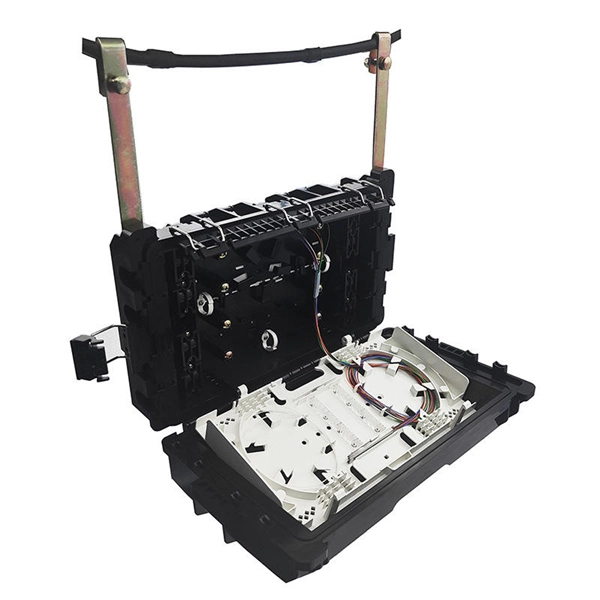
A Guide to Building A Home Network Room – Builder Brigade

To get the most out of your network room, invest in structured cabling. This means running Ethernet cables (like Cat6

Get Price

Need a Reliable Fiber Contractor?

Contact us for competitive quotes and expert installation services

Get a Quote